Sensitivity Finder
Not sure your sensitivity is right? Narrow it down in a few minutes, round by round.
This tool needs a mouse. On a phone or tablet there’s nothing to test.
- Round
- –
- Try
- –
- Targets left
- –
- Time per target
- –
A
B
Each try turns the view exactly like your game would: sensitivity × the game’s own angle per mouse count. Mouse counts are read raw, with cursor lock.
Your choices
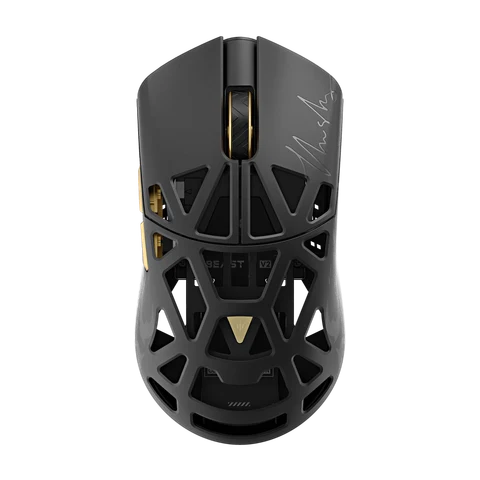
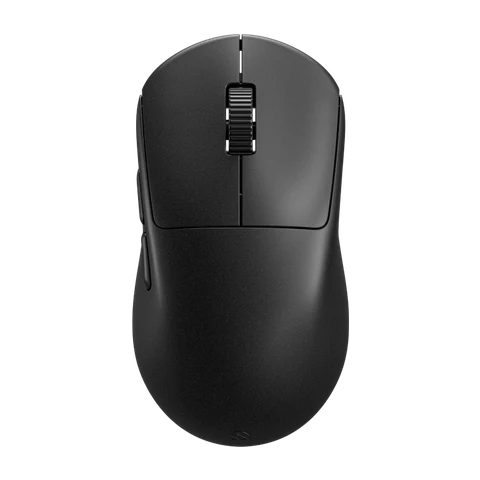
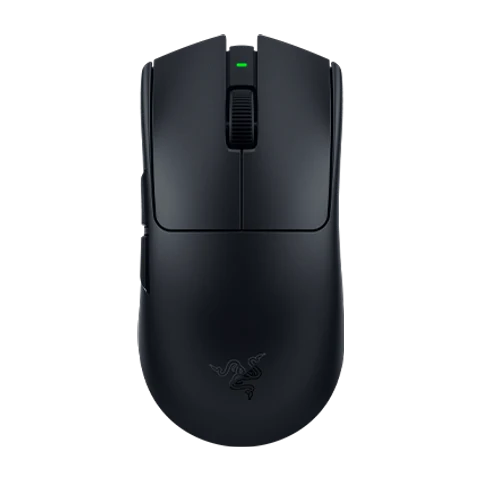
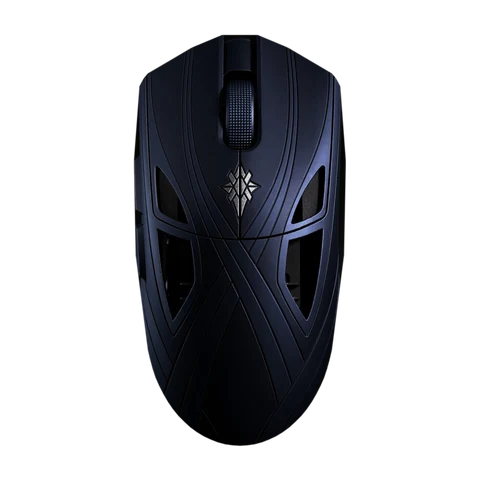
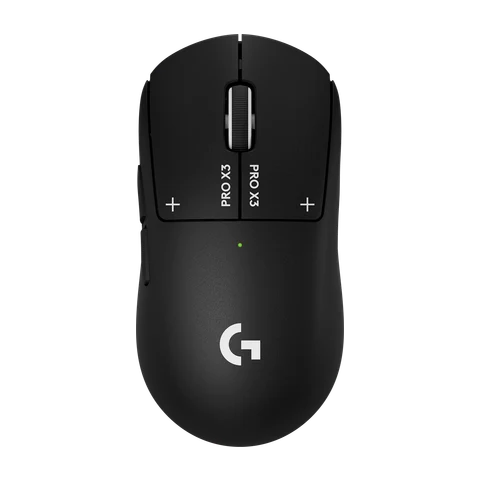
Top 5 gaming mice
Light, fast and accurate: the mice we’d pick right now.
How it works
Pick your game and enter the sensitivity and DPI you use now. Each round you play two short drills, A (lower) and B (higher), flicking to targets near and far. Then you choose the one that felt better. The other one moves halfway towards your choice, so the range gets smaller every round.
The first round tries half and one and a half times your sensitivity. After 5 rounds the range is 32 times smaller, after 7 rounds 128 times. The answer is the middle of what’s left, given in your game’s own number, plus cm/360 and eDPI.
The drill turns the view exactly like your game: sensitivity × the game’s angle per mouse count, read raw with cursor lock. Each try shows its time per target, overshoots and missed clicks, but go with what feels right: control matters more than one fast try.
Something wrong with this tool, or an idea for a new one? Tell us →
Tips for a good result
Warm up first
Play a few minutes of your game or the Aim Trainer before you start. Cold hands pick slower sensitivities.
Same setup as in game
Use your usual mouse, pad, DPI and chair position. Leave Windows pointer speed at 6/11 and acceleration off.
Don’t overthink it
Pick the try where hitting targets felt most natural: not too floaty, not too heavy. When they feel the same, pick the one with fewer overshoots.
Give it a week
A new sensitivity takes a few sessions to settle in. Run the finder again later: if you land close to the same number, it’s yours.
Related tools
More tools you might like