eDPI Calculator
Find your effective sensitivity, how far you move for a full turn, and the same feel in other games.
Your eDPI in
- cm / 360°
- –
- inches / 360°
- –
- Speed
- –
The same feel in other games
Same DPI and the same mouse distance per turn.
| Game | Sensitivity | eDPI |
|---|
eDPI = DPI × sensitivity. It only compares players in the same game; cm / 360° compares across games.
Top 5 gaming mice
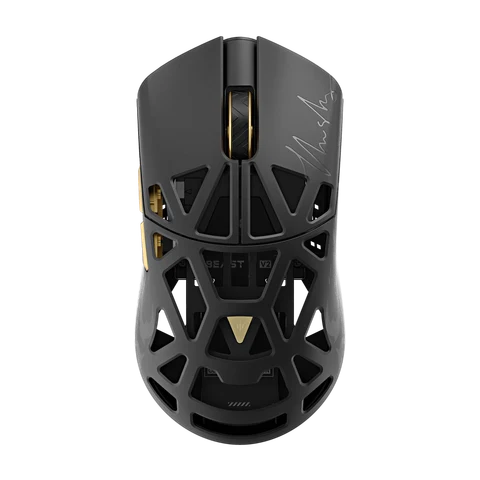
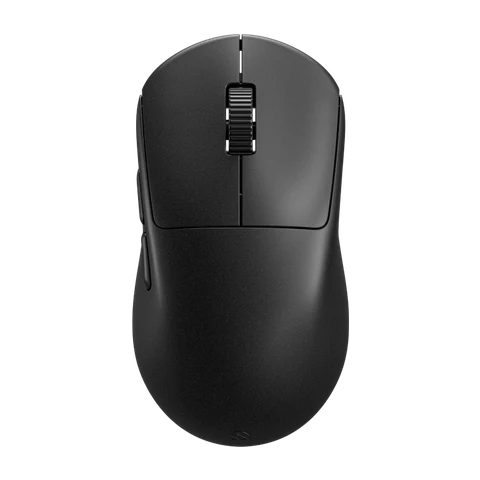
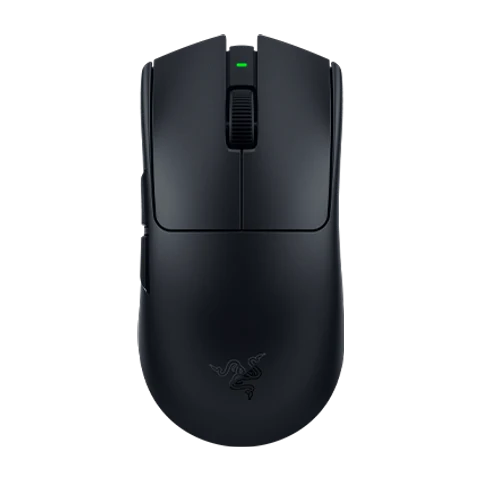
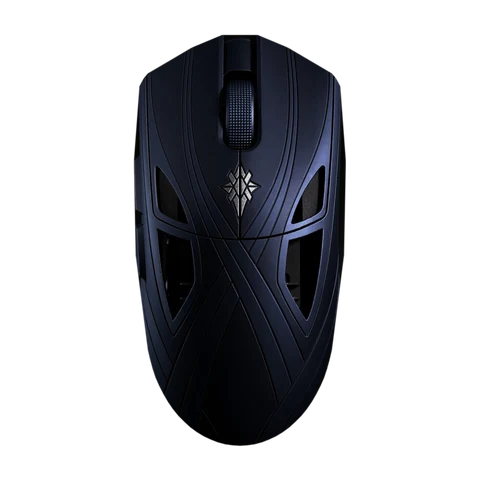
Light, fast and accurate: the mice we’d pick right now.
How it works
eDPI (effective DPI) is your mouse DPI multiplied by your in-game sensitivity. 800 DPI at 1.0 and 400 DPI at 2.0 both give an eDPI of 800, so they feel the same in that game.
eDPI only works inside one game, because every game turns the camera by a different amount per mouse count. To compare across games, the calculator also shows cm / 360°: how many centimetres you move the mouse for a full turn, using each game’s turn speed.
The speed scale is a rough guide for shooters: under 15 cm per turn is very high, 25–45 cm is medium, over 70 cm is very low. The table keeps your DPI and cm / 360° and shows the sensitivity that matches it in other popular games.
Something wrong with this tool, or an idea for a new one? Tell us →
Good to know
Same game only
Comparing eDPI between CS2 and Valorant doesn’t work: Valorant’s scale is about 3.18 times CS2’s. Use cm / 360° or the table instead.
Check your real DPI
The DPI printed on a mouse can be off by a few percent. The Mouse DPI Test measures what your mouse really sends.
No “right” value
Many competitive players land somewhere around 25–50 cm per turn, but comfort, grip and mousepad size matter more than copying a number.
Scopes are separate
These numbers are for normal aiming. Most games have their own setting for scopes and aiming down sights.
Related tools
More tools you might like