Mouse DPI Calculator
Switch DPI and get the sensitivity that keeps the same feel.
–
- eDPI (stays the same)
- –
- Sensitivity change
- –
- Before (DPI · sens)
- –
- After (DPI · sens)
- –
New sensitivity = old sensitivity × old DPI ÷ new DPI. It works in every game, because the game only sees DPI × sensitivity.
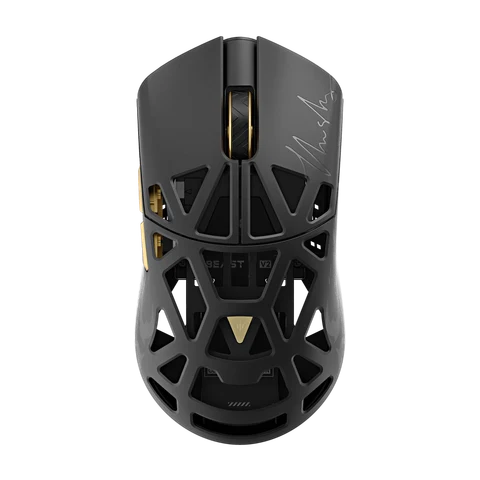
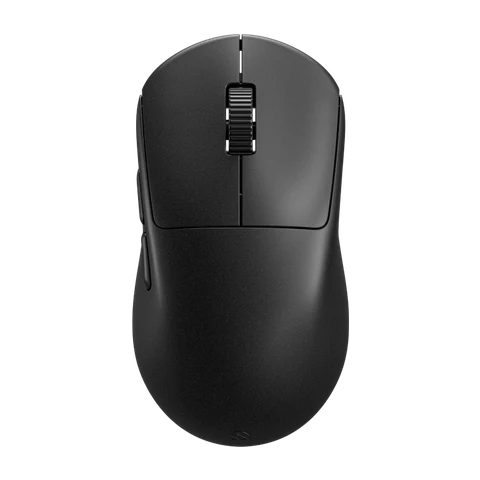
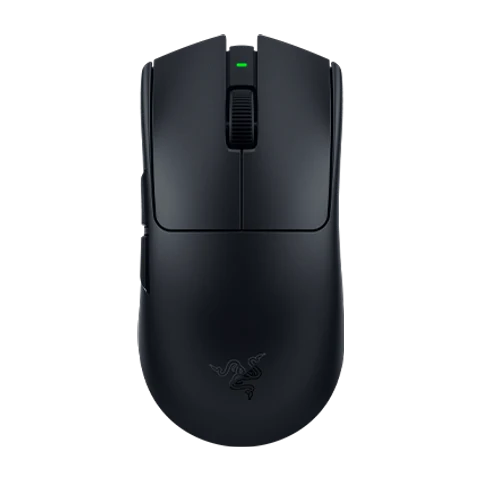
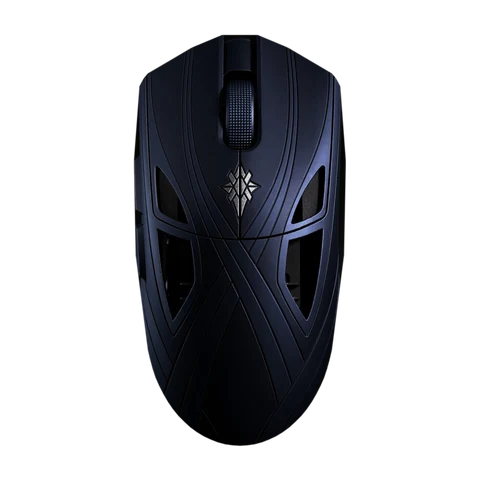
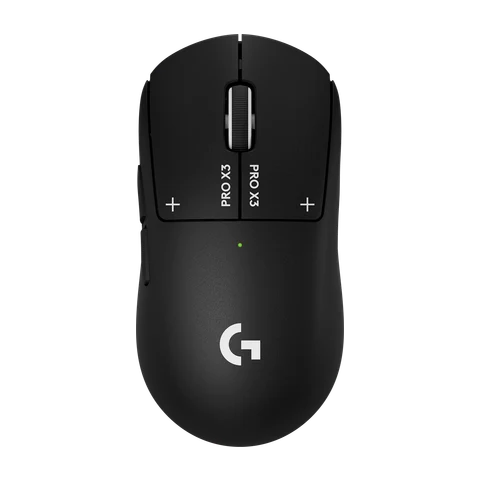
Top 5 gaming mice
Light, fast and accurate: the mice we’d pick right now.
How it works
Your aim feel depends on DPI × sensitivity, called eDPI. To keep it, the new sensitivity = old sensitivity × old DPI ÷ new DPI.
So 800 DPI at sensitivity 1.0 feels the same as 1600 DPI at 0.5, in any game.
Something wrong with this tool, or an idea for a new one? Tell us →
Good to know
Why change DPI?
Higher DPI can make small movements smoother on high-resolution screens, but it doesn’t make you aim better.
Check the real DPI
A mouse’s real DPI can differ from its label. The Mouse DPI Test measures it.
Windows speed
Keep Windows pointer speed at its default (6 of 11) so it doesn’t change the feel.
Related tools
More tools you might like