Double-Click Test
Does your mouse double-click when you only clicked once? Click normally and find out.
This test needs a mouse. Open this page on a computer to check your mouse buttons.
- Clicks
- 0
- Double-clicks found
- 0
Two presses of the same button closer than the limit are flagged. Gaps are timed by the browser to a fraction of a millisecond.
Double-clicks found
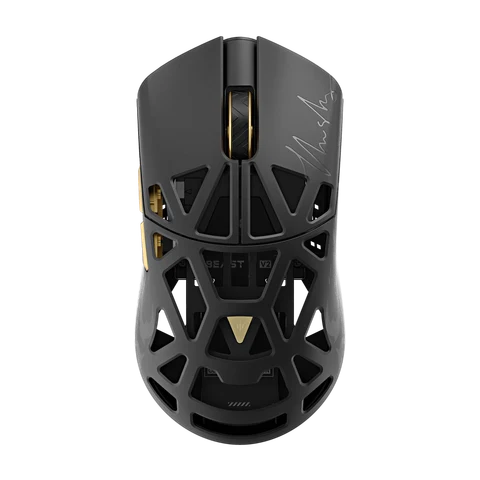
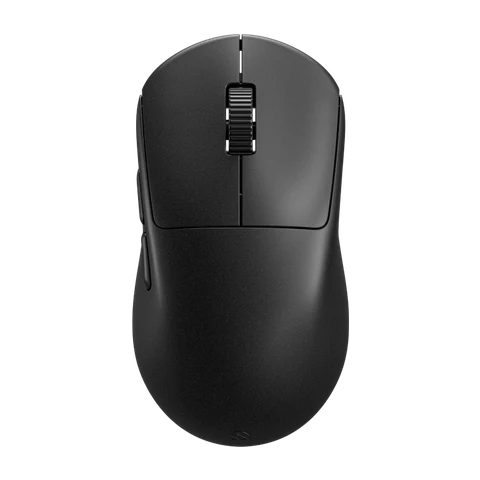
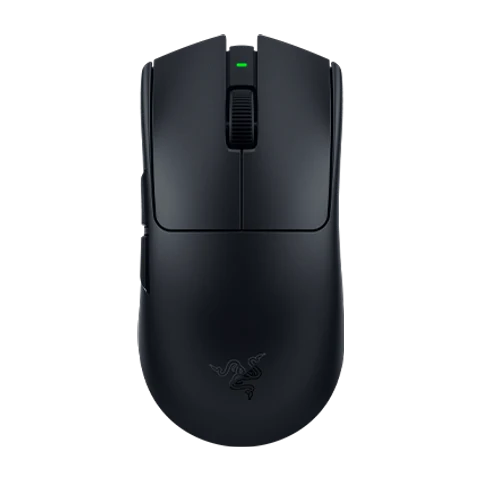
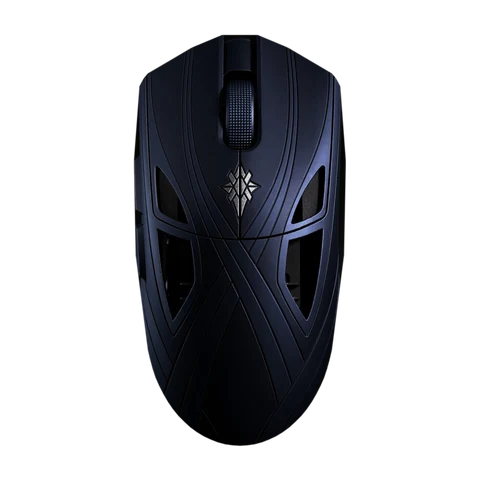
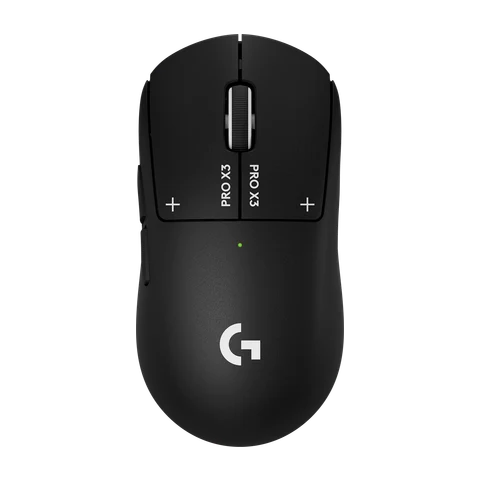
Top 5 gaming mice
Light, fast and accurate: the mice we’d pick right now.
How it works
Click in the box at your normal pace, one click at a time, with any button you want to check. The test counts every press of the left, right and wheel buttons separately.
A worn switch can "bounce" and send two clicks a few milliseconds apart. Nobody clicks the same button that fast on purpose, so any two presses closer than the limit (80 ms by default) are flagged, with the exact gap.
Gaps are measured from the browser's own timestamps for each press. Do at least 30 clicks per button for a reliable result. Problems often show up only now and then.
Something wrong with this tool, or an idea for a new one? Tell us →
Found double-clicks?
Rule out software
Check your mouse app and Windows mouse settings (double-click speed, click lock). Try another USB port.
Clean it
Blow compressed air around the button edges and click it many times. Dust can cause bouncing.
Check the warranty
Double-clicking is a common fault, and many brands replace the mouse under warranty.
Replace the switch
If you're handy, the small switch under the button can be replaced. Only do this out of warranty.
Related tools
More tools you might like