FOV Converter
Bring your field of view from one game to another, so the picture looks the same.
Use this FOV in
- Width on your screen
- –
- Height
- –
- Width at 4:3
- –
- Width at 16:9
- –
Same FOV = the same vertical view, so the picture matches on any screen width. For normal view, not scopes.
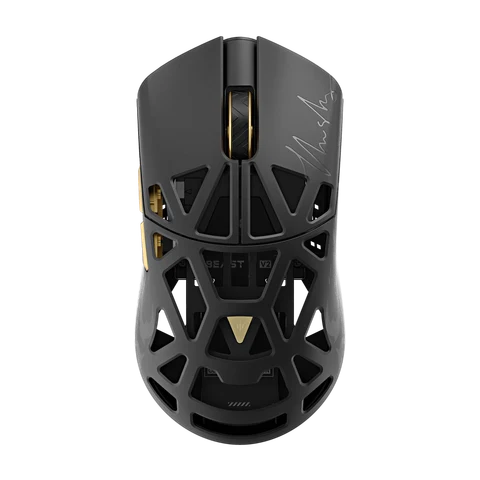
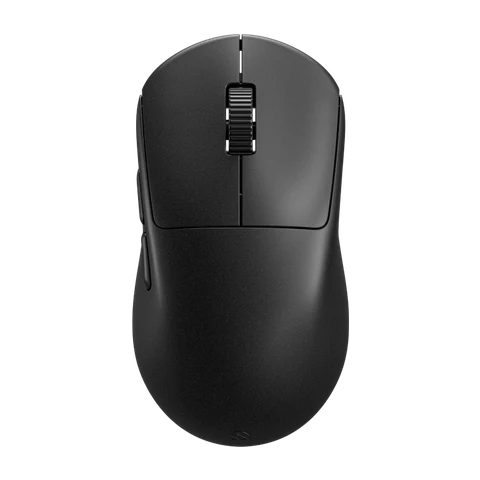
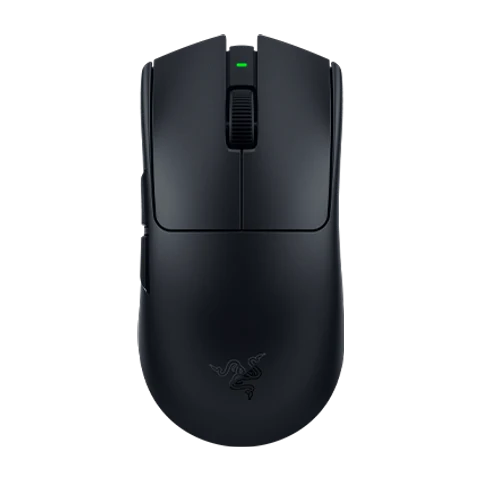
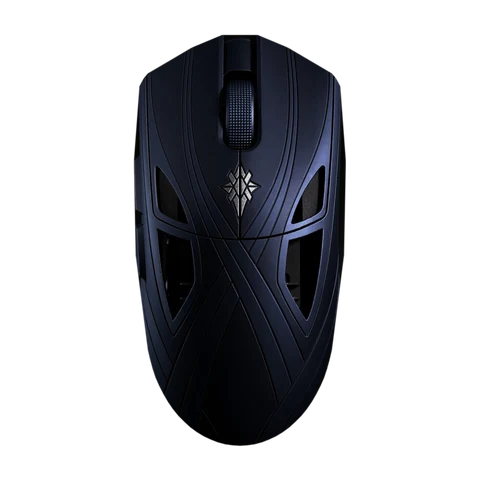
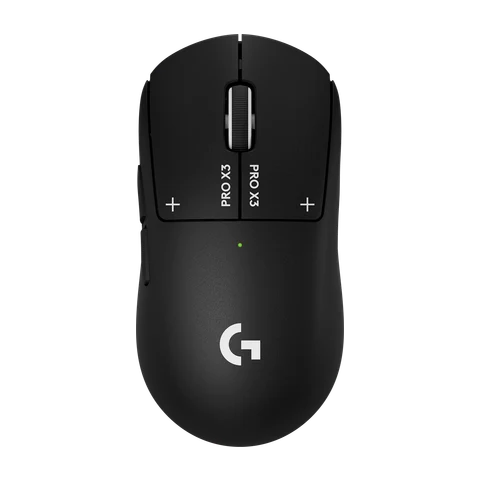
Top 5 gaming mice
Light, fast and accurate: the mice we’d pick right now.
How it works
Games write FOV in different ways. Some give the horizontal angle on a 4:3 screen (CS2, Apex), some the horizontal angle on a 16:9 screen (Overwatch 2, Valorant, Call of Duty), and some the vertical angle (Rainbow Six Siege, Minecraft). That’s why "90" means something different in every game.
The converter turns your number into the vertical angle, which these games keep the same on any screen width, and then into the other game’s number. The stats show the same view in every format, and the drawing compares the old and new view from above.
If the other game’s slider doesn’t go that far, you get the closest value it allows. The maths is exact; the only rounding is to the whole numbers most games accept.
Something wrong with this tool, or an idea for a new one? Tell us →
Good to know
Higher FOV
You see more at the sides, but everything looks smaller and further away, and targets at the edges get stretched.
Lower FOV
Targets look bigger and easier to hit, but you see less around you. Many players pick the highest FOV they can still aim well with.
FOV and sensitivity
Changing FOV doesn’t change how far your mouse turns you, but it changes how fast things seem to move across the screen. Give it a few games.
Stretched resolutions
Playing 4:3 stretched on a 16:9 monitor squeezes the picture sideways. Pick 4:3 as your screen here to see the real angles you get.
Related tools
More tools you might like