Mouse Accuracy Test
How steady is your hand? Drag the ball through the corridor without touching the walls.
On a phone or tablet? You can drag the ball with your finger, but a mouse gives a truer result.
- Accuracy
- –
- Deviation
- –
- Time
- 0.0 s
- Progress
- 0%
Accuracy = how close the ball stays to the center line on average, weighted by how far you move it. Measured in screen pixels on every mouse movement.
Where your clicks landed
The circle is a target, whatever its size. White dots are hits, red dots are misses.
Recent results · Last 20 tests, saved only in this browser
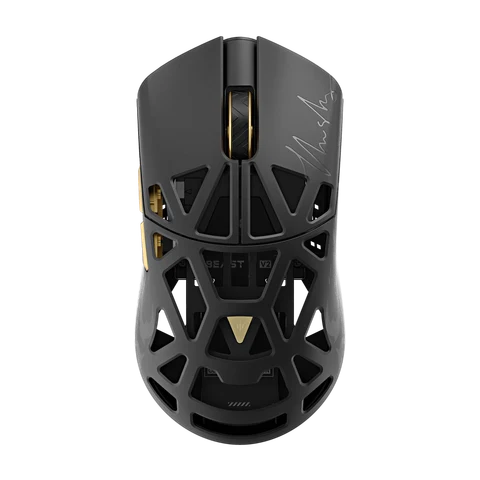
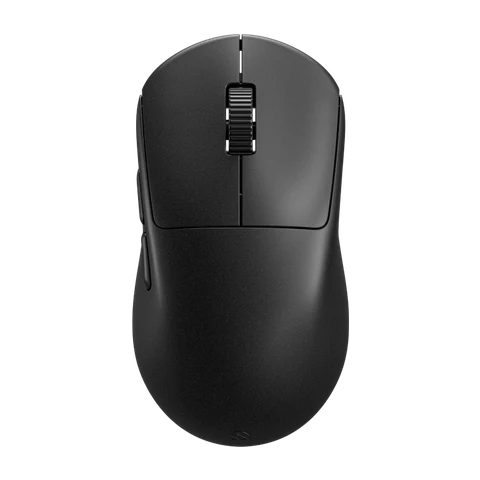
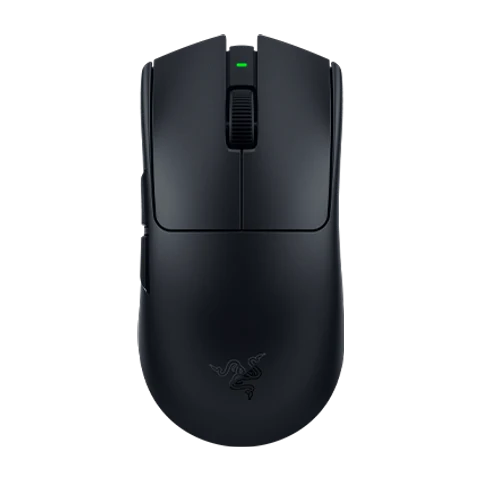
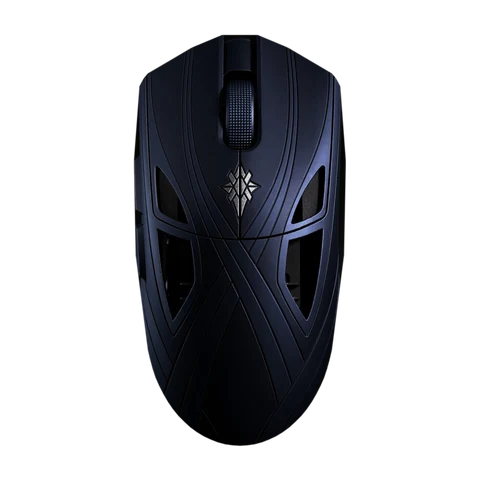
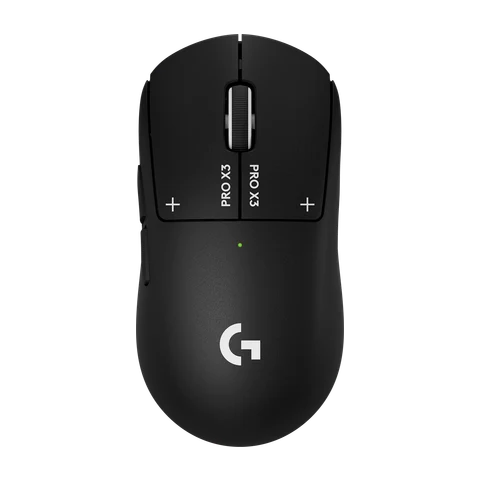
Top 5 gaming mice
Light, fast and accurate: the mice we’d pick right now.
How it works
Path: press and hold the green ball, then drag it through the corridor to the ring. If the ball touches a wall, the run ends. Let go and the ball waits: grab it again to carry on (the clock keeps running). There are 10 courses, from a straight line to a heart, and All 10 plays them all in a row. Each run draws a new random version.
Deviation is the distance from the ball's center to the corridor's center line, in pixels, checked on every mouse movement. Your accuracy is 100% minus your average deviation as a share of the room the ball has before it touches a wall. The average is weighted by how far you move, so pausing doesn't change it, and progress only counts along the corridor, so you can't cut corners.
Precision: 20 targets that shrink as you go; each click scores by how close it lands to the center. Clicking the target in the middle starts the test (that click isn’t scored), and a press within 0.1 s of a new target appearing is ignored, so an accidental double-click can’t count as a miss. Tracking: keep your cursor on a gliding target for 30 seconds. Harder difficulty means a narrower corridor and smaller targets. Your best score for each mode, difficulty and course is saved in this browser.
Something wrong with this tool, or an idea for a new one? Tell us →
Tips for better accuracy
- Aim with your arm for big moves and your fingers or wrist for the last few pixels.
- A lower sensitivity usually helps precision. Try the Sensitivity Converter to keep the same feel between games.
- In Tracking, don't chase the target: follow its path smoothly and stay slightly ahead of it.
- Go slowly at first. Steady, even movement scores better than fast, jerky corrections. Once you pass 90% on Medium, try Hard.
Related tools
More tools you might like