Mouse DPI Test
Move your mouse a distance you measured, and find out its real DPI.
This test needs a mouse and a ruler. Open this page on a computer.
- Counts this move
- 0
- Tries
- 0/3
- Average DPI
- –
- Raw input
- –
This browser window doesn’t allow cursor lock, so the test is running in backup mode. It still works, but for the most accurate result open this page in Chrome or Edge. In backup mode: pick 5 cm or 2 in so the cursor doesn’t reach the screen edge, set Windows pointer speed to 6 of 11, and turn off “Enhance pointer precision”.
- Put a ruler on your desk, or mark the distance you picked.
- Click the box. Your cursor disappears while the test runs (Esc gets it back).
- Hold the left button, move the mouse exactly that distance to the right, in a straight line, then let go.
DPI = counts the mouse sent ÷ inches you moved. Raw input reads the mouse directly, ignoring Windows pointer speed and acceleration.
Your mouse DPI
– DPI
Your tries
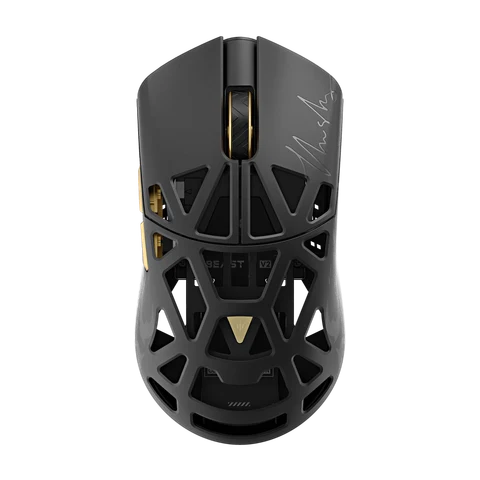
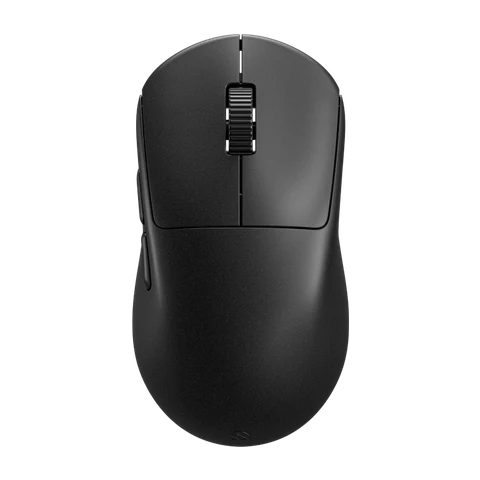
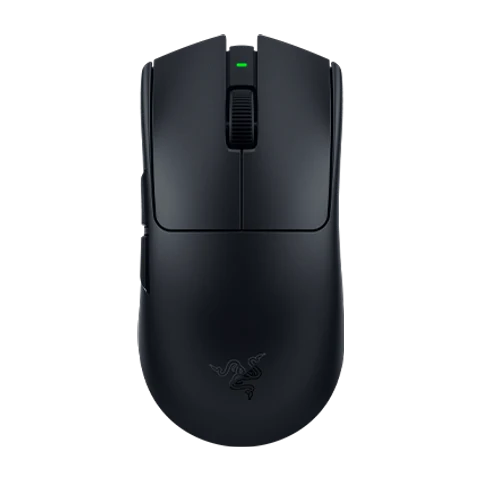
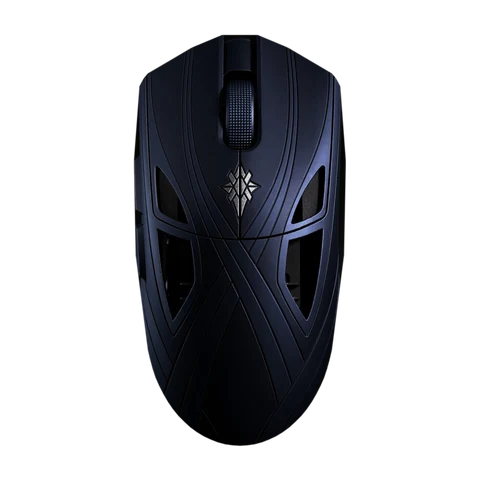
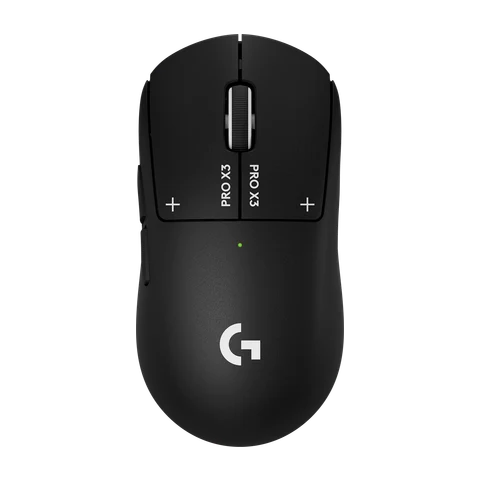
Top 5 gaming mice
Light, fast and accurate: the mice we’d pick right now.
How it works
DPI (or CPI) is how many "counts" your mouse sends for each inch it moves. Hold the left button, move the mouse exactly the distance you picked, let go, and the test divides the counts by the distance. Do a few tries: the result is their average.
The test locks the cursor and asks the browser for raw input, the mouse's own counts, before Windows pointer speed or "Enhance pointer precision" can change them. Chrome and Edge support this; the "Raw input" box tells you if it worked.
Without raw input, set Windows pointer speed to the middle (6 of 11) and turn off "Enhance pointer precision" first, or the result will be off. Accuracy is mostly up to how exactly you move: use a ruler and a straight edge, and use 10 cm or 4 in for the best result.
Something wrong with this tool, or an idea for a new one? Tell us →
Getting a strange result?
Tries far apart
Move slowly and exactly to the mark. Line up the same edge of the mouse with the start and the end of the ruler.
Much lower or higher
Check your mouse app: many mice have DPI buttons, and the setting might not be what you think.
Raw input: No
Use Chrome or Edge, or set Windows pointer speed to 6/11 and turn off "Enhance pointer precision".
Close to, but not exactly
Mice are rarely exact: a "1600 DPI" mouse often measures 1550–1650. That's normal.
Related tools
More tools you might like