Mouse Sensor Jitter Test
Is your crosshair shaky? Check whether the sensor itself adds jitter.
This test needs a mouse. On a phone or tablet there’s nothing to measure.
- Reports while still
- –
- Backward flickers
- –
- Sudden jumps
- –
- Raw input
- –
- Click the box. Your cursor is hidden and the mouse’s own counts are read.
- Let go of the mouse completely for 10 seconds. Don’t touch the desk.
- Then hold the left button and move the mouse slowly to the right, about 5–10 cm, and let go.
Hands off: any report counts. Slow line: a flicker is a report going left while you move right; a jump is a step over 4× the typical one.
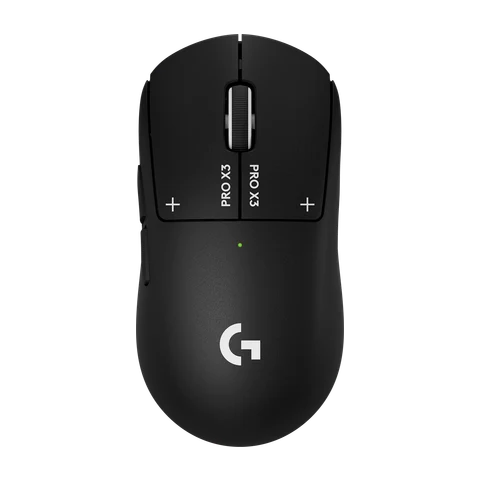
Top 5 gaming mice
Light, fast and accurate: the mice we’d pick right now.
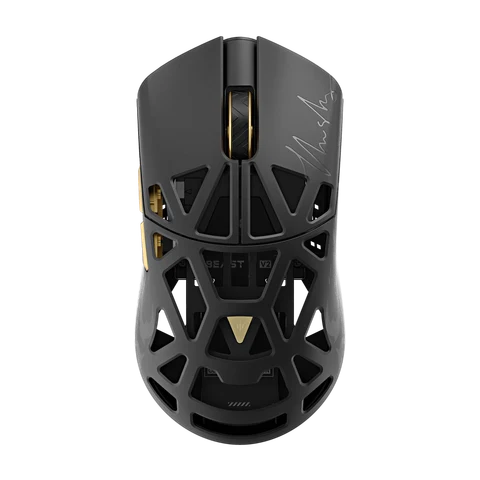
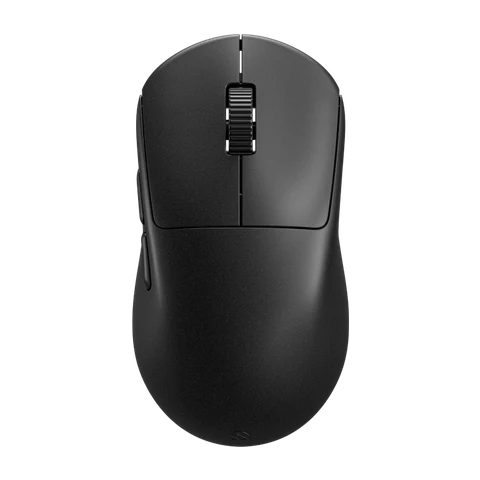
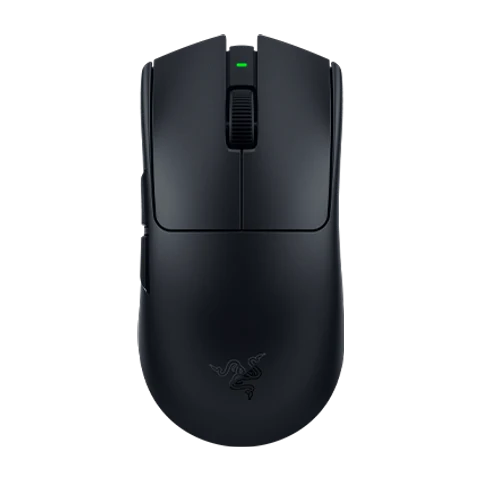
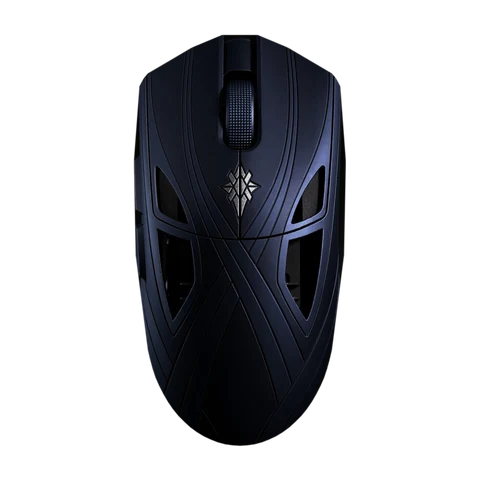
How it works
Sensor jitter is movement your hand didn’t make: small back-and-forth counts that make a cursor or crosshair shake. It comes from a dirty sensor, a surface the sensor doesn’t like, a very high DPI, or a faulty mouse.
First you let go of the mouse for 10 seconds: a good sensor sends nothing at all. Then you move slowly in one direction: every report should go that way. Reports going backwards are flickers, and steps much bigger than the rest are jumps. Your hand wobbles a little too, so up to 3% flickers counts as clean.
The test reads every report from the mouse through cursor lock with raw input, so Windows settings can’t smooth anything. Nothing is saved or sent.
Something wrong with this tool, or an idea for a new one? Tell us →
Found jitter?
Clean the sensor
Blow out the sensor window under the mouse. A hair or dust there is the most common cause.
Check the surface
Glossy, glass or very worn pads confuse sensors. Try a plain cloth pad.
Lower the DPI
Very high DPI (above 3200) amplifies tiny sensor noise. Many players use 800–1600 and adjust in-game sensitivity instead.
Lift-off distance
If the mouse moves when untouched, a too-high lift-off distance can pick up the pad’s texture. Set it to low in the mouse software.
Related tools
More tools you might like