Mouse Angle Snapping Test
Find out if your mouse straightens your movements behind your back.
This test needs a mouse. On a phone or tablet there’s nothing to measure.
- Lines
- –
- Your angle
- –
- Flat parts
- –
- Raw input
- –
Your browser blocked cursor lock, so you’re drawing with the normal cursor. Keep Windows pointer speed at 6/11 and "Enhance pointer precision" off for a fair result.
- Click the box: your cursor is hidden and the mouse’s own movement is read.
- Hold the left button and move right along the dashed line, at a normal speed, about the length of the line.
- Let go at the end. Do the same for each line; they get a little steeper each time. Press Esc to stop.
Measured from the mouse’s raw counts: each line is cut into 8 parts, and a part with no up/down movement at all is "flat".
Result
–
Your lines
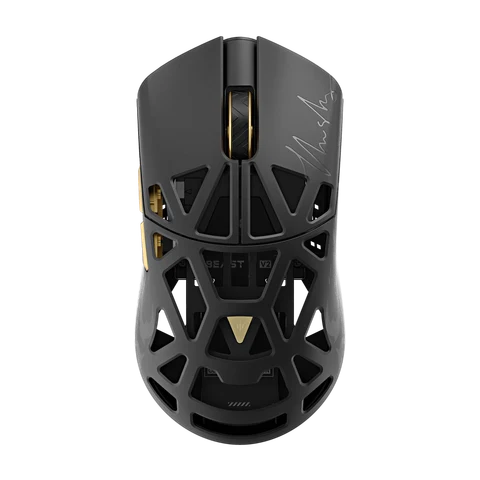
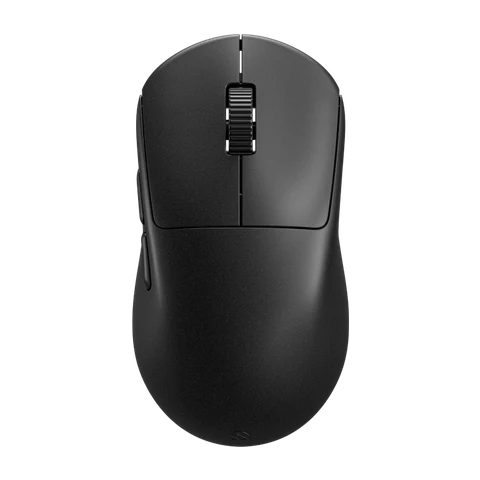
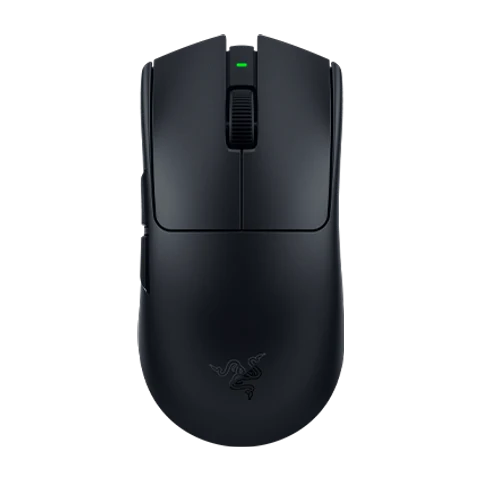
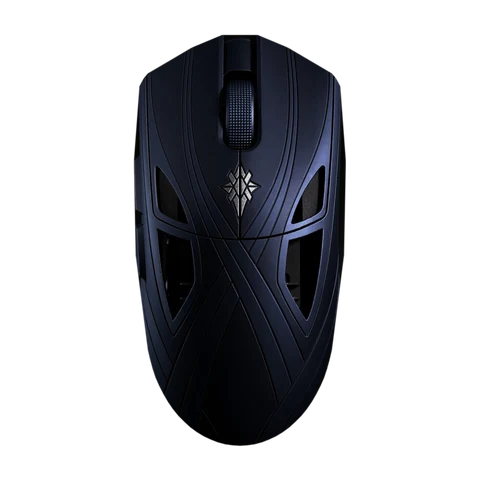
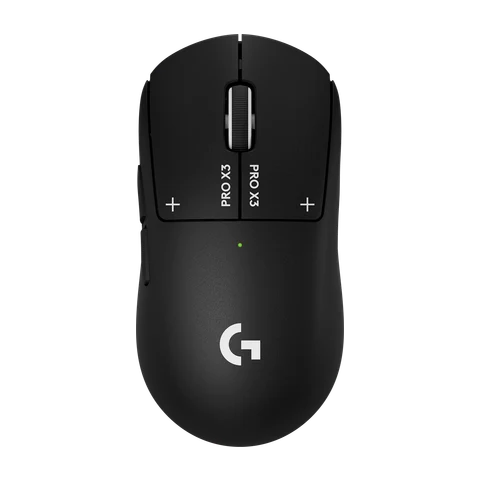
Top 5 gaming mice
Light, fast and accurate: the mice we’d pick right now.
How it works
Angle snapping (also called "straight line correction" or "prediction") makes the mouse report almost-straight movements as perfectly straight ones. Lines in Paint look tidy, but in games it fights small aim corrections.
You drag along lines tilted 2°, 4°, 7° and 12°. Each stroke is cut into 8 equal parts. A normal mouse always reports some up/down movement on a tilted line, because the tilt and your hand’s wobble are real. A snapping mouse sends whole parts with exactly zero up/down movement. If half or more of a line is flat like that, it was snapped.
The test reads every report from the mouse through cursor lock with raw input, so Windows settings can’t smooth anything out first. Nothing is saved except your choice of 4 or 8 lines.
Something wrong with this tool, or an idea for a new one? Tell us →
Good to know
How to turn it off
Look in your mouse’s software (or on-board settings page) for "angle snapping", "straight line correction" or "prediction". Most gaming mice ship with it off.
Some mice can’t turn it off
Some cheap or older sensors have it built in. If the test finds it and there’s no setting, the only fix is another mouse.
DPI steps
Changing DPI doesn’t switch snapping on or off, but some mice only snap at certain DPI steps. Test at the DPI you play with.
Clean result
Draw at a normal speed on your usual pad. Very slow, shaky lines or a dirty sensor can give odd results, so run it twice if you’re unsure.
Related tools
More tools you might like