osu! Area Finder
Try a smaller and a larger tablet area on the same circles and narrow down the size that suits you.
This tool needs a drawing tablet or a mouse on a computer.
Suggested area
– of your current area ·
–
Set this width in your tablet driver, keep the aspect ratio locked, and play your usual maps with it for a few days.
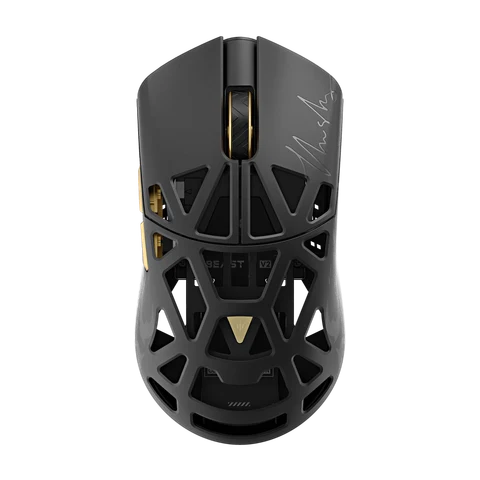
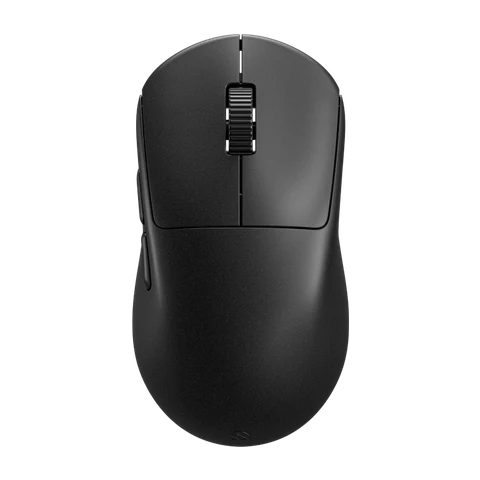
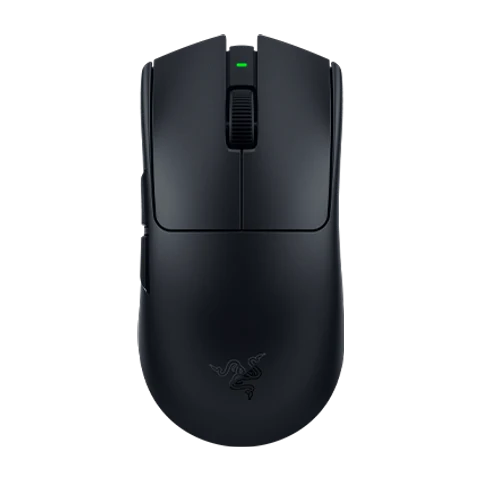
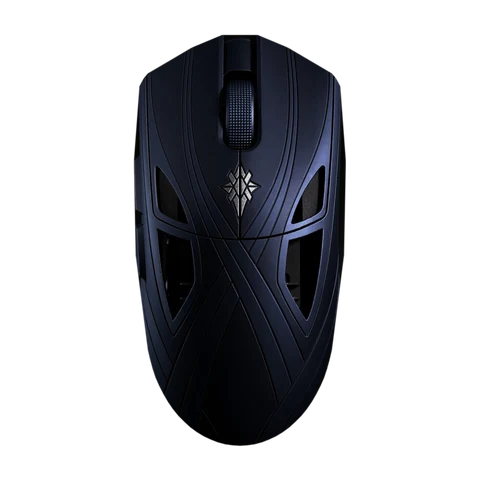
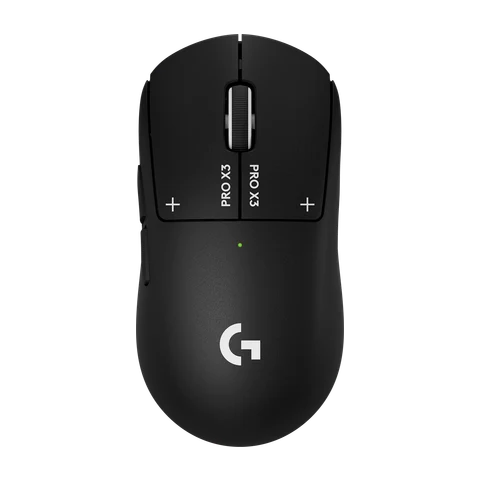
Top 5 gaming mice
Light, fast and accurate: the mice we’d pick right now.
How it works
A website can’t change your tablet driver, so the finder simulates the area: it scales your pen movement around the centre of the field. A 20% smaller test area makes the cursor travel 1.25 times further, just like a smaller area in the driver. This works when your tablet is mapped to the whole screen.
Each round you hit the same circles twice: with a smaller area (A) and a larger one (B). Pick the one that felt better; the other moves halfway towards it. It starts at 70% and 130% of your current area, and after the last round the middle of what’s left is your suggestion.
Time per circle, accuracy (how close to the centre you hit) and misses are shown for each try, but the choice is yours: feel matters more than one run’s numbers. The first circle of each try isn’t counted.
Something wrong with this tool, or an idea for a new one? Tell us →
Good to know
Enter your area
Type your current area width so the result comes out in millimetres. The height follows your screen shape.
Go full screen
Use the Full screen button: it is closest to how osu! itself feels, and gives the pen the whole screen.
Choose by feel
Pick the area where jumps felt controlled and comfortable, not just the one with the faster time.
Then play
Set the size in your driver and play real maps for a few days. Small adjustments later are normal.
Related tools
More tools you might like