Lift-Off Distance Test
Estimate your mouse’s LOD on your own pad, with paper or cards.
This test needs a mouse.
–
How to raise the mouse
- Run the first check with no layers, moving the mouse side to side the whole time.
- Put one layer under the front edge of the mouse and one under the back edge. The sensor must stay over your pad, with nothing under it.
- Check again at the same speed, and keep adding one layer each side until tracking stops.
| Layers | Height | Tracked | Result |
|---|
Lift leak
Hold Space, lift the mouse, move it in the air, put it down, then let go. Do this 5 times.
- Movement per lift
- –
- Lifts
- –
This is a hand-made estimate: layer thickness, how level the mouse sits and your pad all change it. Compare settings on the same pad with the same layers.
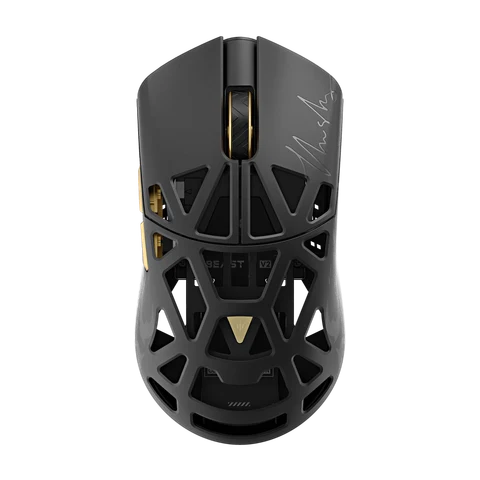
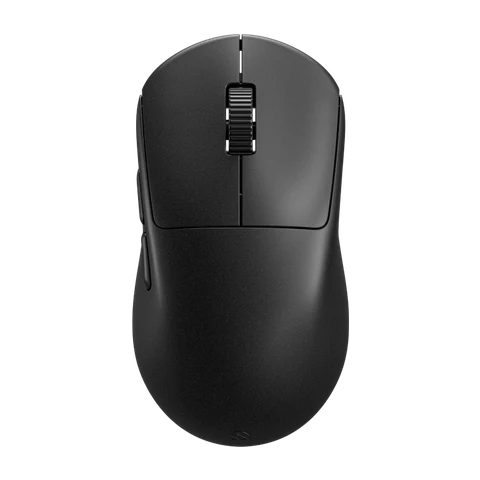
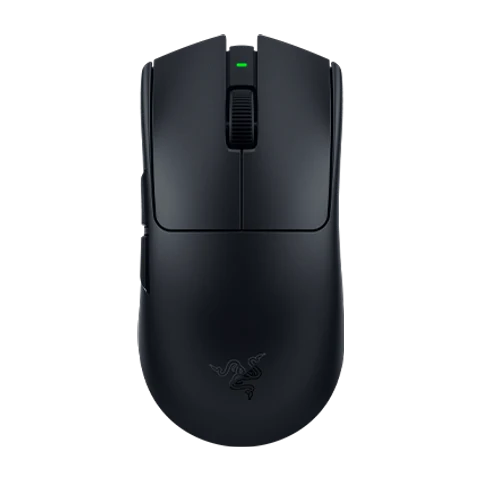
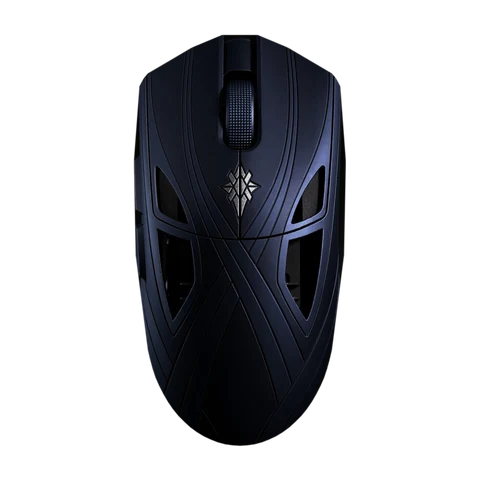
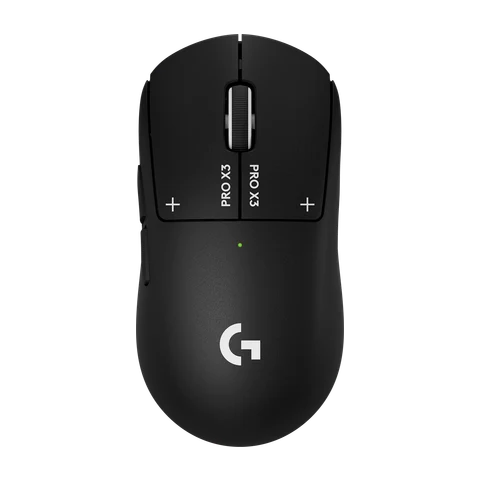
Top 5 gaming mice
Light, fast and accurate: the mice we’d pick right now.
How it works
A browser can’t measure height, so you do the lifting: add thin layers under the edges of the mouse, then move it for 4 seconds. The page compares that movement with your first check at no height.
Under 10% of the first movement counts as lost tracking. Your LOD lies between the last height that tracked well and the first that was lost.
Lift leak counts the movement while you hold Space and lift the mouse. A clean mouse reports little or nothing in the air.
Something wrong with this tool, or an idea for a new one? Tell us →
Good to know
Lower isn’t always better
Too low a LOD can lose tracking on soft pads. Pick the lowest setting that stays stable on yours.
Change it in software
Many gaming mice set LOD in their app, often as 1 mm or 2 mm. Test each setting.
The pad matters
The same mouse can measure differently on glass, cloth and hard pads.
Related tools
More tools you might like