Mouse Tester
Point at the box and press every button and scroll the wheel. Anything that doesn’t light up isn’t working.
This tool needs a mouse. Open this page on a computer to test your mouse.
- Buttons tested
- 0/5
- Scroll up / down
- 0 / 0
- Fastest scroll
- –
- Double clicks
- 0
Point at the box and use every button and the wheel
- Left button0
- Right button0
- Wheel click0
- Side: back0
- Side: forward0
- Scroll up0
- Scroll down0
Each part lights up white while you hold it and stays grey once tested. Scrolling flashes for a moment.
Recent events
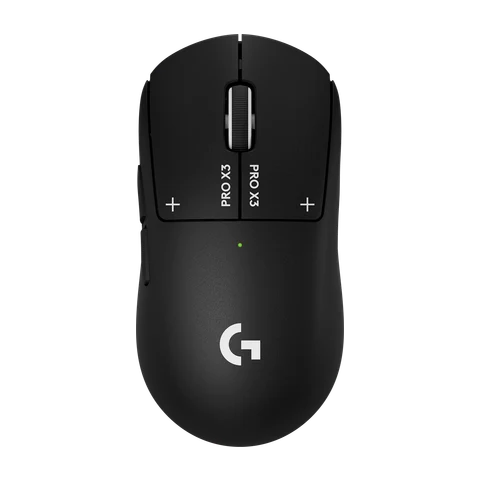
Top 5 gaming mice
Light, fast and accurate: the mice we’d pick right now.
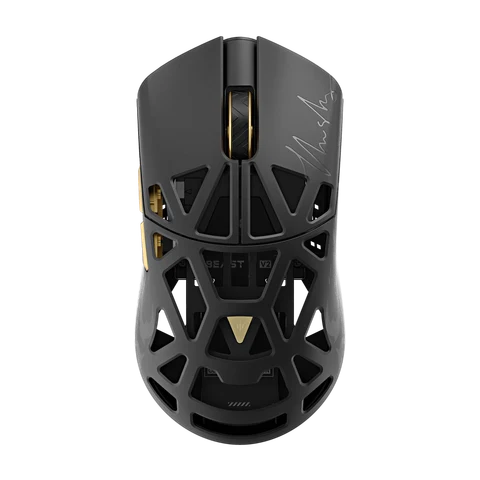
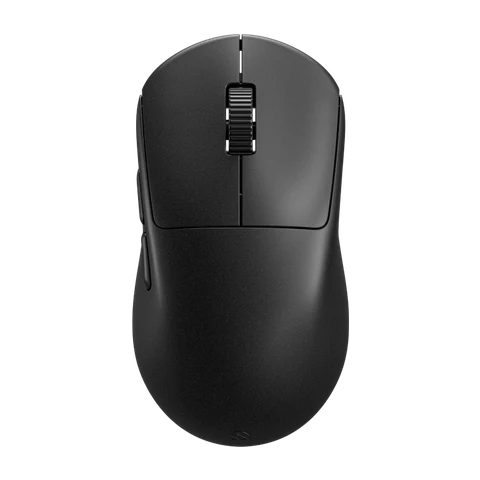
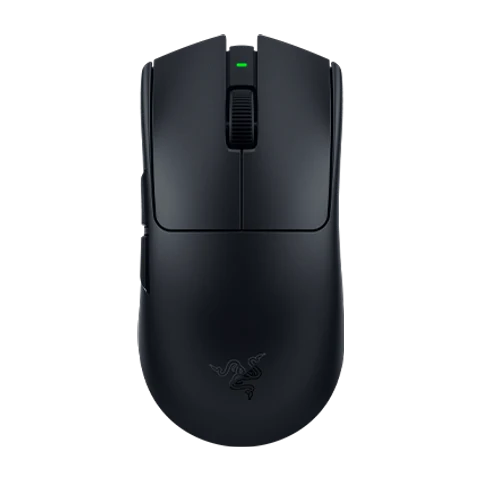
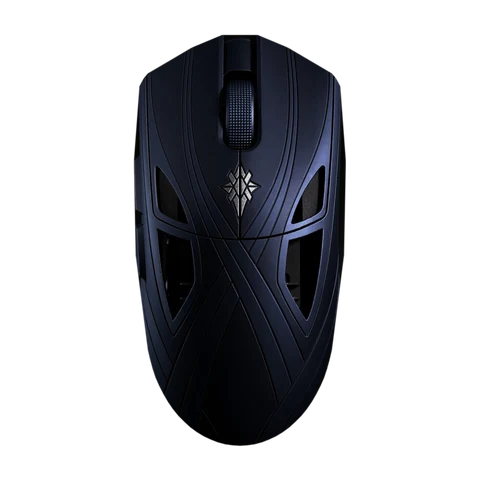
How it works
Every part of the drawing lights up white while you hold it, and stays grey once tested. Scrolling has no "held" state, so it flashes each time. The list on the right counts every press and scroll step.
Buttons are read the moment they go down, for all five standard buttons, even while another button is held. Inside the box, the side buttons won't make your browser go back or forward, and scrolling won't move the page.
Two presses of the same button less than 60 ms apart are flagged as a double click: no hand presses that fast on purpose, so the switch is probably wearing out. Scroll speed is the most wheel steps you made within one second. When every part has been used and nothing double-clicked, the line under the stats says everything works.
Extra buttons (like DPI or sniper buttons) are usually handled by the mouse itself or its app, so browsers can't see them.
Something wrong with this tool, or an idea for a new one? Tell us →
Signs your mouse is failing
- One click sometimes opens two things, or a drag drops by itself: the switch is wearing out. The Mouse Tester flags presses less than 60 ms apart.
- A button only works when you press it hard: dirt or a worn contact inside the switch.
- The wheel scrolls up when you scroll down, or skips steps: a dirty or worn scroll encoder.
- The cursor jumps, stutters or drifts: usually the sensor or the surface, not the buttons. Clean the sensor and try another mousepad.
- Wireless mice that stop for a moment: a weak battery or the receiver too far away.
Most of these show up slowly. Testing every few months lets you catch them before they ruin a game.
Something not working?
A button never lights up
Check it's not remapped in your mouse app or Windows settings. Some apps turn side buttons into keyboard shortcuts.
One click shows twice
Run the Double-Click Test: a worn switch can send two clicks for one press.
Scroll jumps the wrong way
Run the Mouse Scroll Test to catch an encoder that sends steps in the wrong direction.
Questions
How do I test if my mouse is working?
Point at the box, press each of the five buttons and scroll both ways. Every part that lights up works. When everything has been used and nothing double-clicked, the line under the stats says so.
How do I know if my mouse is double clicking?
Click one button normally a few dozen times. If the counter shows a double click, two presses arrived less than 60 ms apart, which no finger does on purpose. That points to a worn switch.
Can I fix a double-clicking mouse?
Sometimes. Updating the mouse app or raising its debounce time can hide it. A few quick presses or compressed air can help for a while. The real fix is a new switch or a warranty claim.
Why don't my side buttons work here?
Your mouse app may have turned them into keyboard shortcuts or turned them off. Reset them to Back and Forward in the app, then test again.
Does this test the sensor or DPI?
No, this page checks buttons and the wheel. To measure your DPI use the Mouse DPI Test, and for the report rate use the Polling Rate Test.
Is it safe? Do I need to install anything?
Nothing is installed or sent anywhere. The test runs in your browser and reads only the clicks and scrolls you make inside the box.
Related tools
More tools you might like