Mouse Grip & Size Finder
Measure your hand, pick your grip, and see what size of gaming mouse should fit.
- Palm: Your whole hand rests on the mouse.
- Claw: Your palm touches the back, fingers arched.
- Fingertip: Only your fingertips touch the mouse.
- Mouse length
- –
- Mouse width
- –
- Your hand
- –
A rule of thumb from your hand size and grip, not a guarantee: shape and hump position matter too. Use it to narrow down what to try.
Top 5 gaming mice
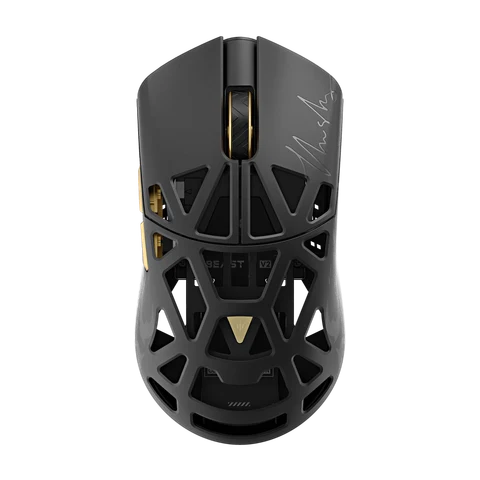
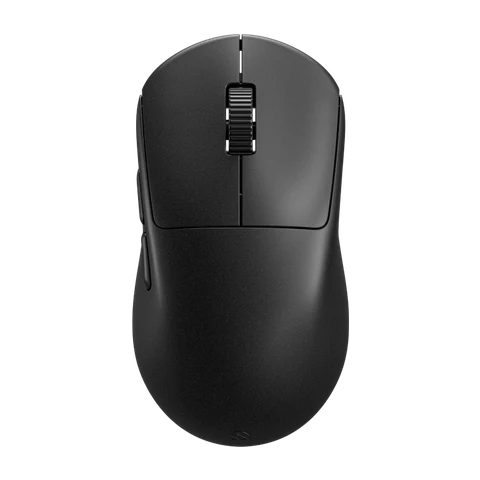
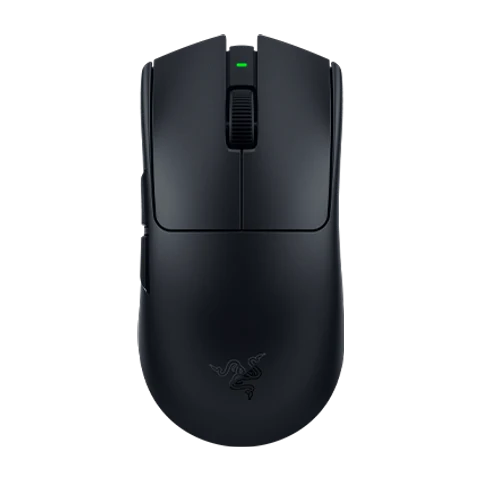
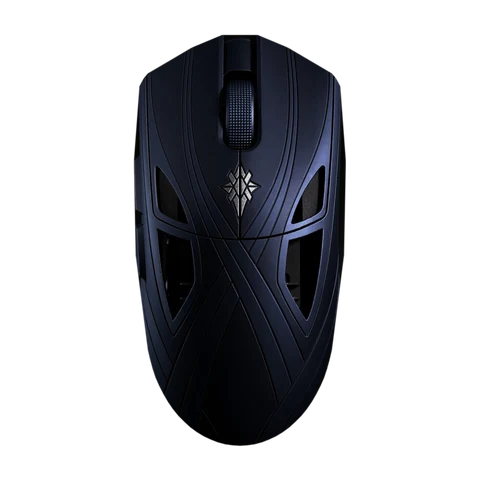
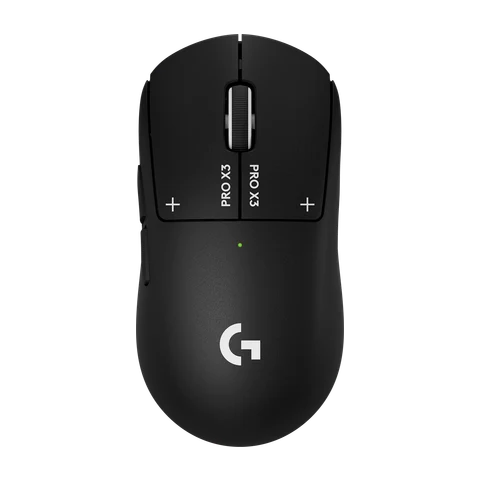
Light, fast and accurate: the mice we’d pick right now.
How it works
Measure your hand length from the crease of your wrist to the tip of your middle finger, and your hand width across the knuckles without the thumb. A ruler or a tape measure is enough.
How much of the mouse you touch depends on your grip. In palm grip your whole hand lies on it, so you want a longer mouse; in claw grip your palm touches only the back; in fingertip grip only your fingertips touch it, so a shorter mouse gives more control. The finder takes a share of your hand size for each grip.
It’s a rule of thumb to narrow down your choice, not a guarantee: the shape, the hump and the weight matter too. Many players also like a mouse a bit bigger or smaller than the rule says.
Something wrong with this tool, or an idea for a new one? Tell us →
Choosing a mouse
Shape first
Symmetrical shapes suit claw and fingertip grips; ergonomic (right-handed) shapes suit palm grip. Check where the hump is: further back fills the palm more.
Weight
Most competitive mice weigh 45–65 g now. Lighter helps fast flicks; a little heavier can feel more stable for tracking.
Same size, different feel
Two mice with the same length can feel very different. Compare height and width at the grip area, not just length.
Test it
Once you have a mouse, check its buttons with the Mouse Tester and its sensor with the Jitter Test.
Related tools
More tools you might like