Mouse Scroll Test
Scroll in the box and see every step your wheel sends, and whether it ever jumps the wrong way.
This test needs a mouse with a scroll wheel. Open this page on a computer.
- Up
- 0
- Down
- 0
- Wrong-way jumps
- 0
- Step size
- –
A step that goes the wrong way between two steps the other way, within 0.2 s, is flagged as a jump.
Jumps found
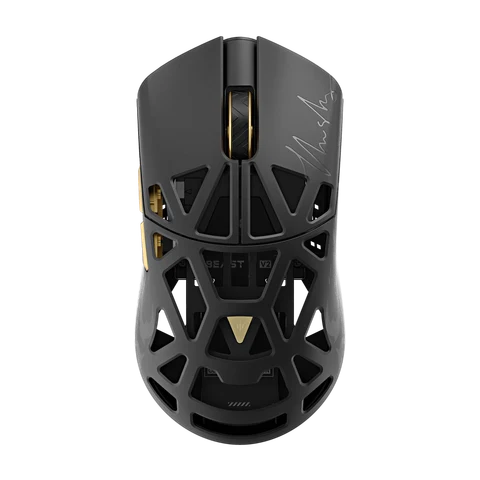
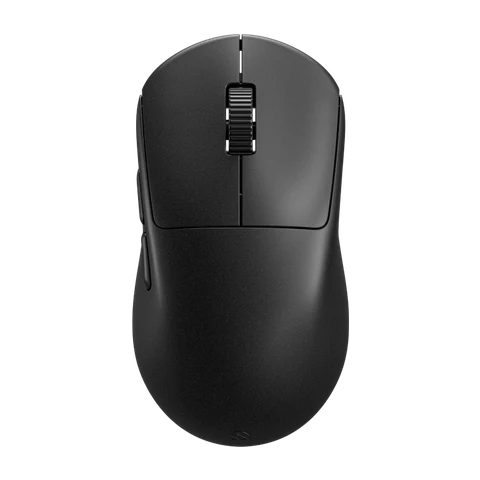
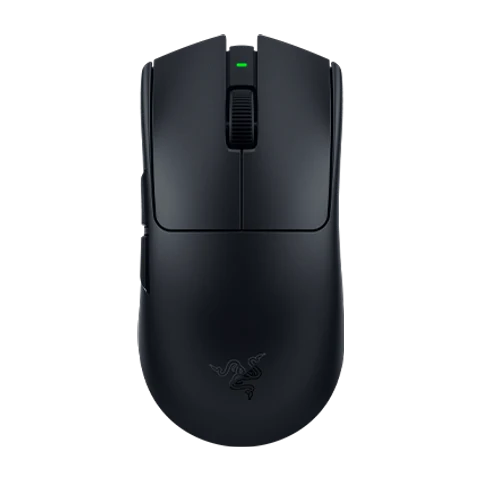
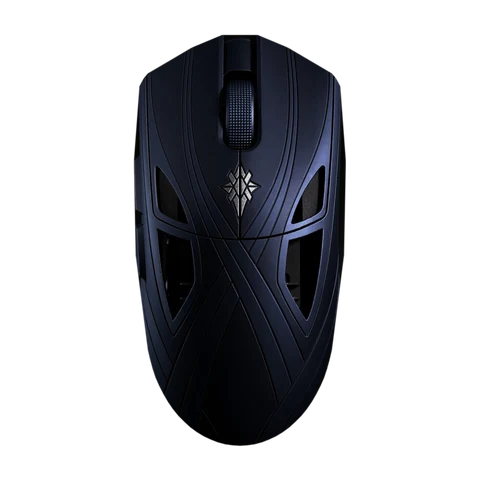
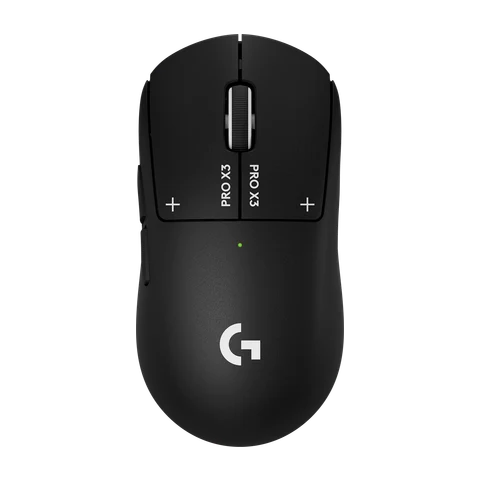
Top 5 gaming mice
Light, fast and accurate: the mice we’d pick right now.
How it works
Point at the box and scroll. Every step the wheel sends is counted, up and down, and the ruler moves with it. Step size is the usual distance one step scrolls, in pixels. Windows mice usually send 100 px; smooth or free-spinning wheels send many small steps.
A worn or dirty wheel sometimes sends a single step the wrong way while you scroll ("scroll jumping"). The test flags a step when the steps right before and after it go the other way, all within 0.2 seconds. Nobody flicks a wheel back and forth that fast on purpose.
Use Left / right to test wheel tilt (or Shift + scroll). Inside the box, scrolling never moves the page. Scroll at least 60 steps, slowly and quickly, for a reliable result.
Something wrong with this tool, or an idea for a new one? Tell us →
Your wheel jumps?
Clean it
Blow compressed air into the gaps around the wheel while turning it. Dust in the wheel's sensor is the most common cause.
Check the surface
On some mice, a heavy hand or a soft mouse pad can make the wheel wobble. Try scrolling with a lighter touch.
Rule out software
Update or reinstall your mouse app, and turn off any "smooth scrolling" or scroll acceleration.
Still jumping?
The wheel's encoder is probably worn. Check your warranty: it's a common fault and often covered.
Related tools
More tools you might like