osu! Tablet Area Calculator
Set up your tablet area so circles stay round and the cursor speed feels right.
Tablet active area (mm)
Screen resolution
Area width you want (mm)
Height follows your screen’s shape
- Your area
- –
- Of the tablet
- –
- Cursor speed
- –
- Pen move across screen
- –
Driver settings (area centered)
- OpenTabletDriver: center X / Y
- –
- Wacom-style: left / top offset
- –
Area height = width × screen height ÷ screen width, so circles stay round. A smaller area means a faster cursor and smaller hand movements.
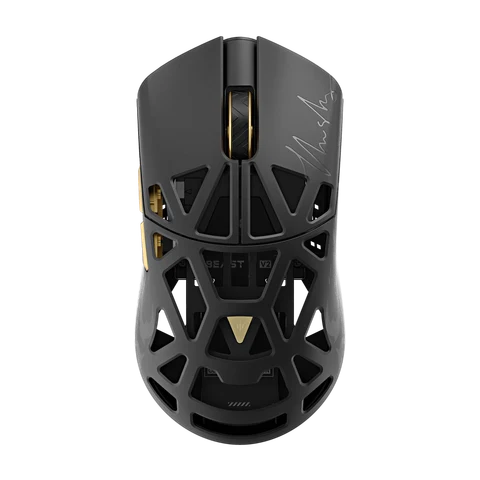
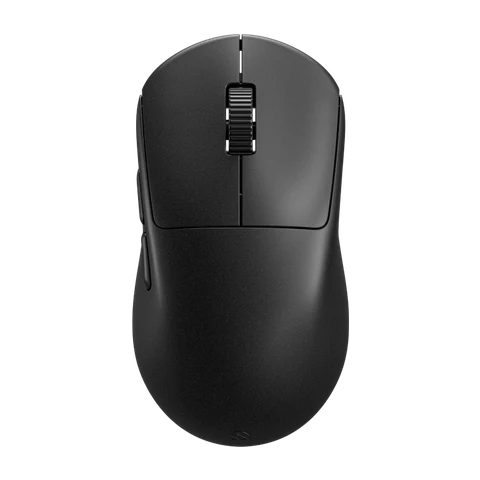
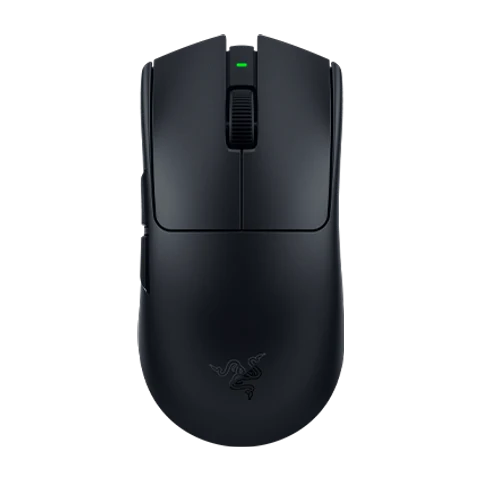
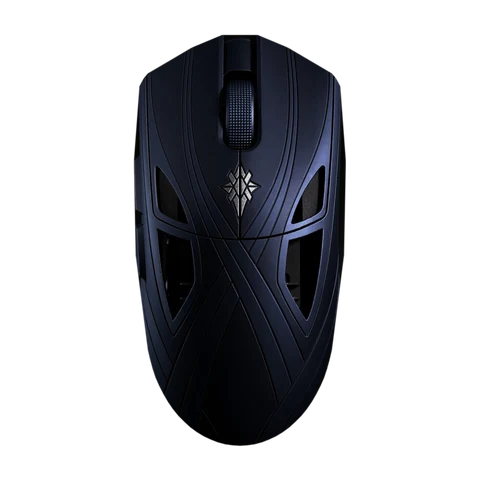
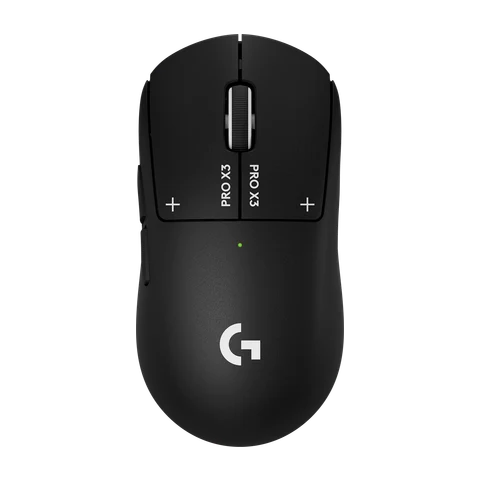
Top 5 gaming mice
Light, fast and accurate: the mice we’d pick right now.
How it works
In absolute mode, a rectangle on your tablet (the area) covers your whole screen: touch its corner and the cursor jumps to the screen’s corner. Enter your tablet’s active area, your screen resolution and the area width you want.
The height is worked out to have the same shape as your screen, so a round circle on screen is a round movement on the tablet. If it doesn’t fit, the area is fitted to your tablet instead. The area is centered, and you get the values to type into OpenTabletDriver (center X/Y) or a Wacom-style driver (left/top offset).
"Cursor speed" is how many screen pixels one millimeter of pen movement covers: a smaller area is faster and needs less hand movement. Find your tablet’s exact active area in its manual or on the maker’s website.
Something wrong with this tool, or an idea for a new one? Tell us →
Finding your area
Start in the middle
There’s no right size for everyone. Start at about half your tablet’s width, play a few maps, then adjust.
Too fast or too slow?
Overshooting jumps: make the area bigger. Struggling to reach far jumps: make it smaller. Change a few millimeters at a time.
Keep it the screen’s shape
A different shape stretches movement more in one direction, and circles turn into ovals. That’s why the calculator fixes the height.
Check the pen
Make sure your pen reports smoothly before you tweak areas: test it with the Pen / Tablet Test.
Related tools
More tools you might like